iPhone + Apple Watch
Take photos hands-free.
Set down your iPhone, get into place and let LensTimer take the photos for you, at the highest quality. With a timer, a clap, your voice or your Apple Watch.
Download on the App StoreSet down your iPhone, get into place and let LensTimer take the photos for you, at the highest quality. With a timer, a clap, your voice or your Apple Watch.
Download on the App Store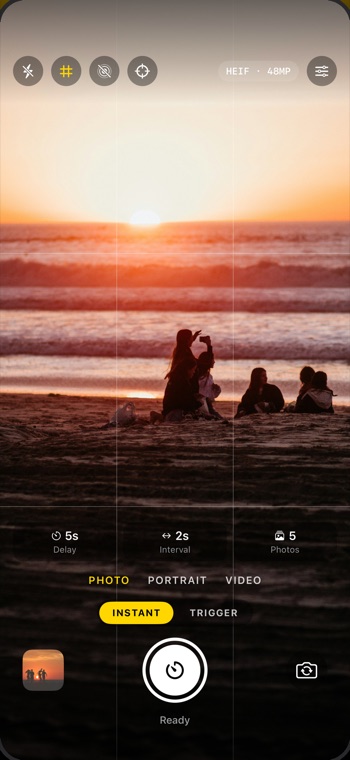
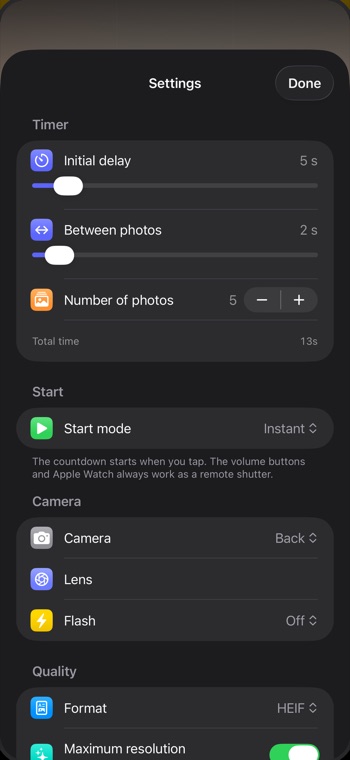
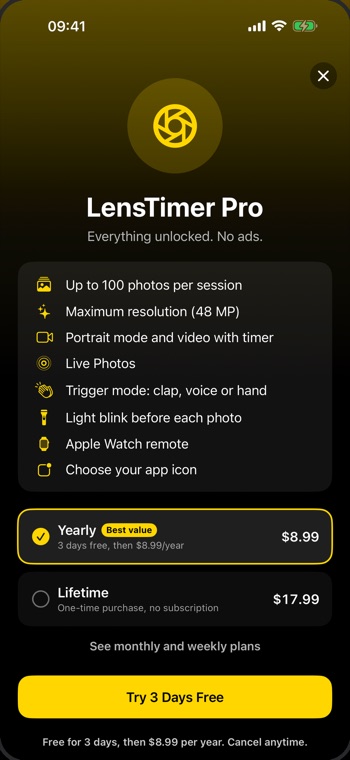
Shoot in HEIF or JPEG with the rear lenses and the selfie camera, at your iPhone's maximum resolution.
Choose how long to wait before starting, the time between photos and how many to take. Up to 100 per session.
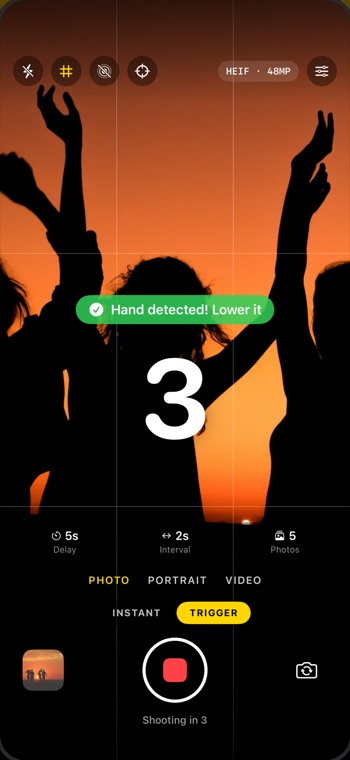
A big countdown, beeps and a flash blink right before every photo.
Use your Apple Watch as the shutter and check the session status without moving your iPhone.
A grid and a center guide to place your iPhone so everyone fits in the shot.
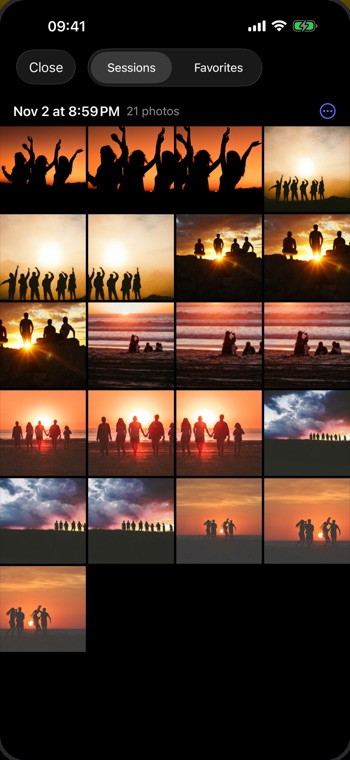
Go through the session when it ends and mark your favorites before saving them.
The countdown starts as soon as you tap. Ideal for quick photos, whether in a group or just you.
The app waits for you to give the signal for when to take the photo.
Cancel anytime. The subscription renews automatically unless you cancel at least 24 h before the end of the period.